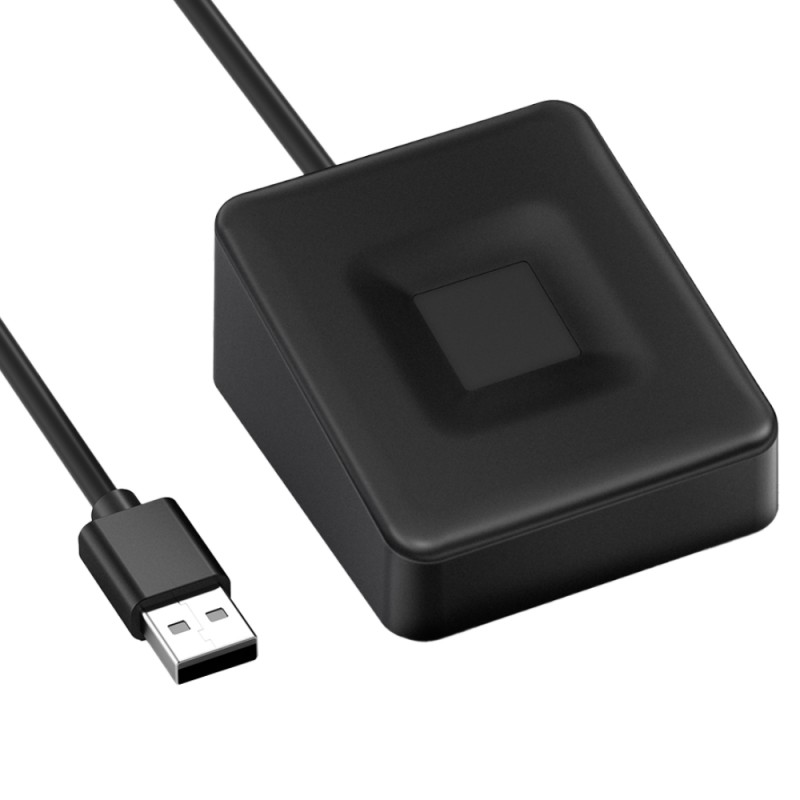
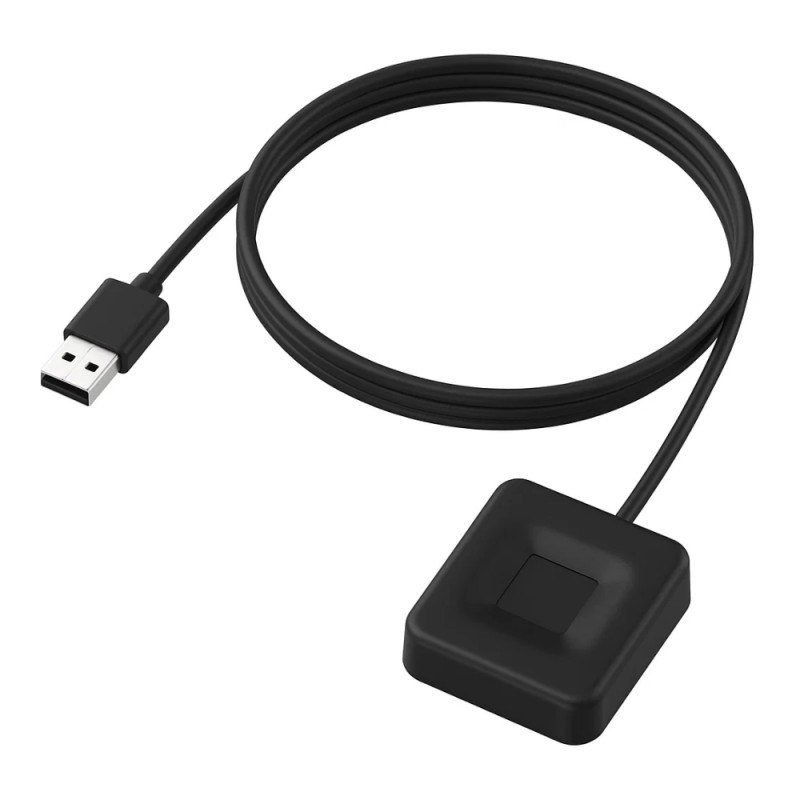
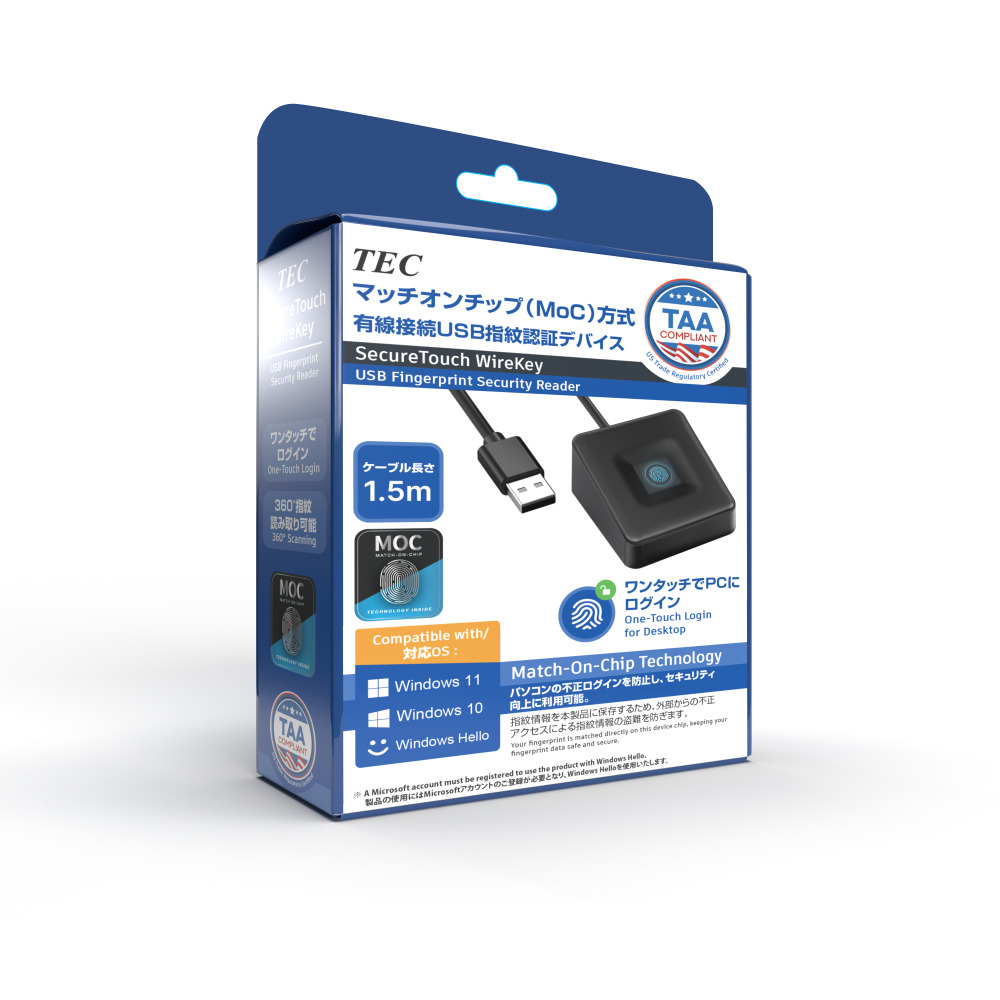
TE-FPA-CA1 Match-On-Chip USB Fingerprint Reader - SecureTouch WireKey Biometric Authentication Device
Model No.:
TE-FPA-CA1
JAN:
4533239034196
TE-FPA-C-MC | TE-FPA-CA1 | TE-FPA3-MC | TE-FPA4-MC | TE-FPA2 | |
|---|---|---|---|---|---|
 |  | 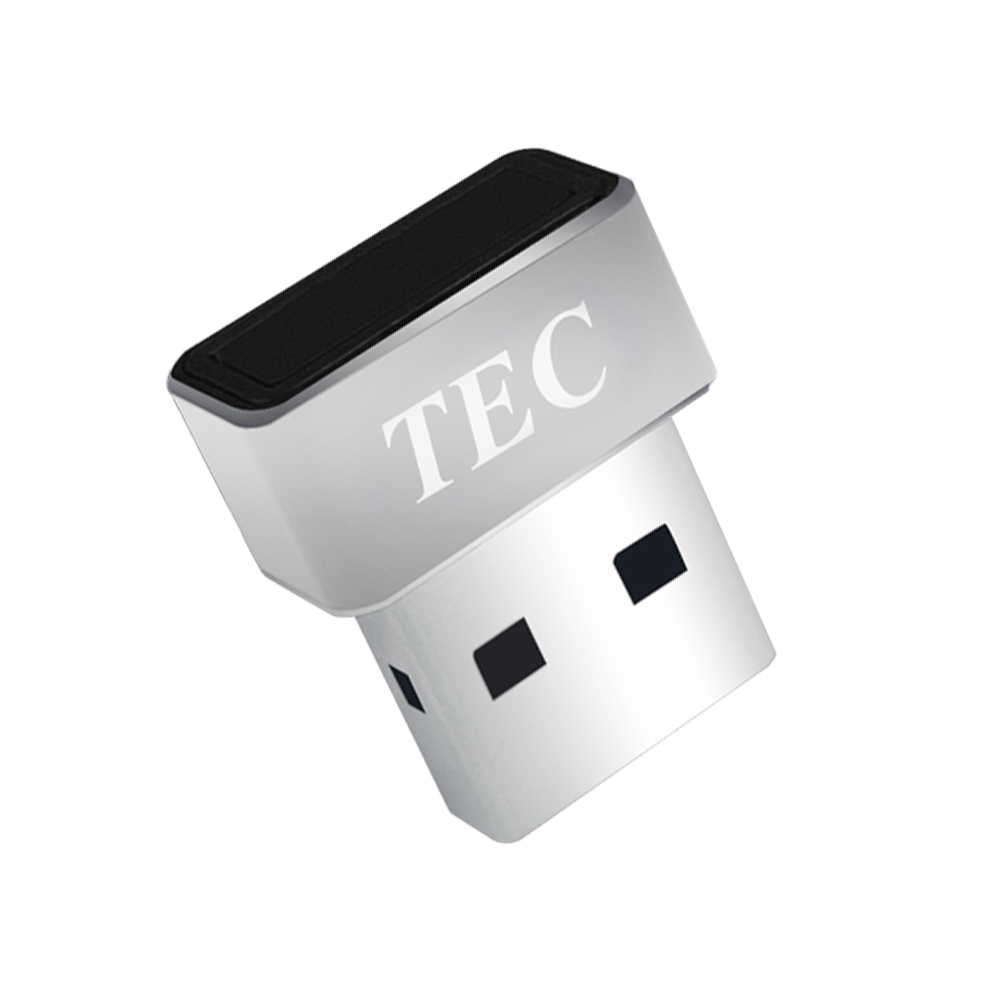 | 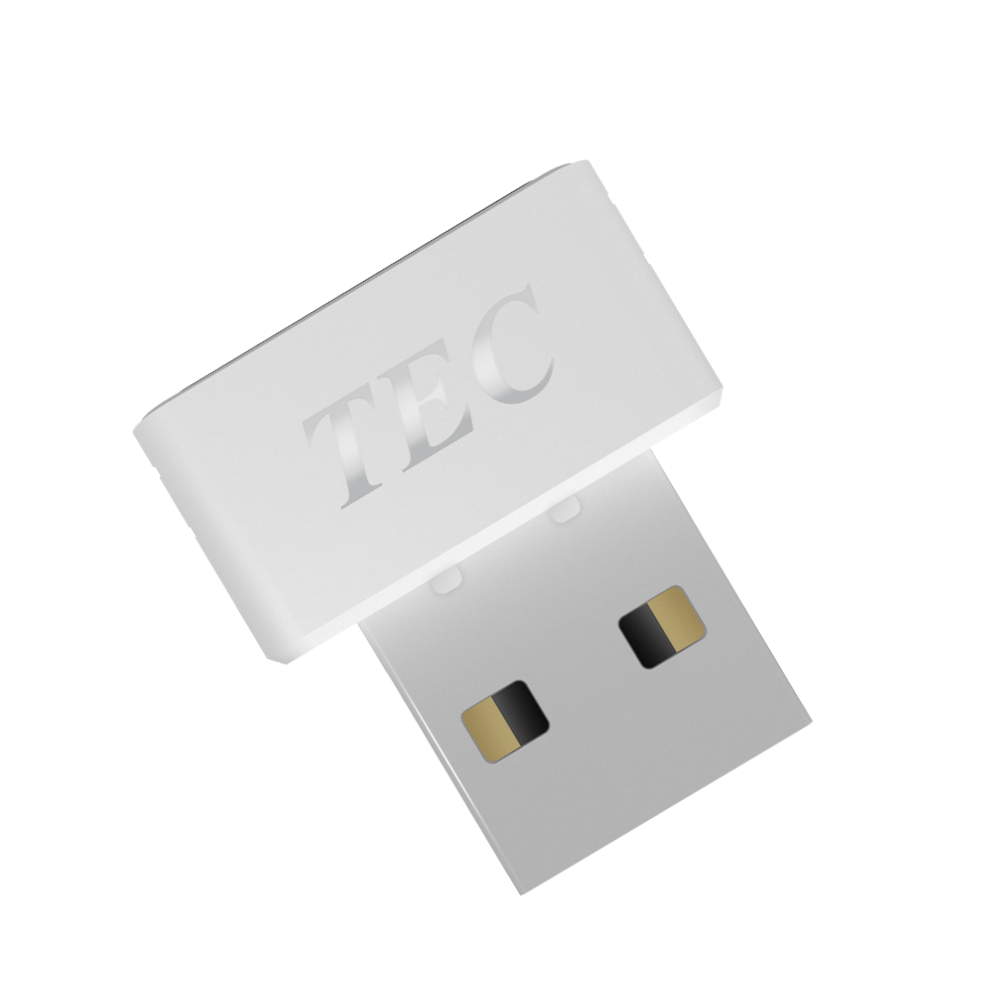 | 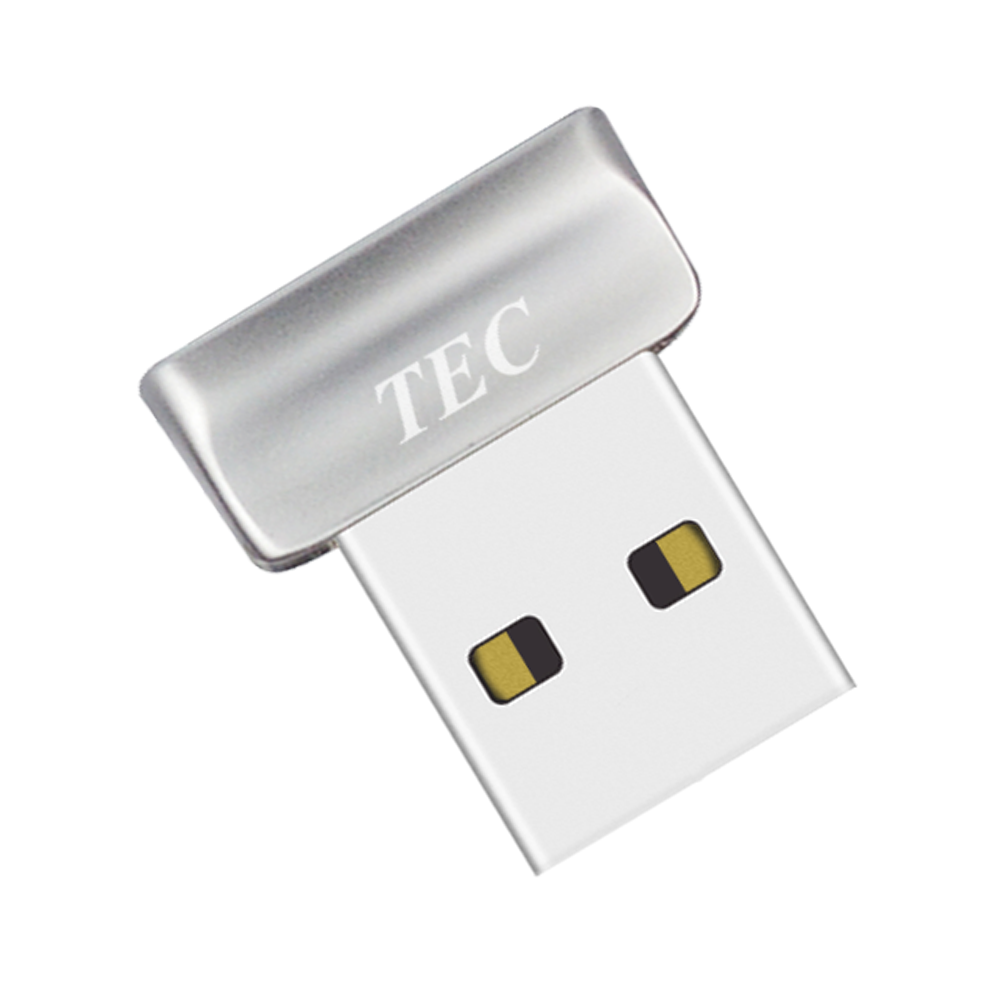 | |
 USB INTERFACE USB INTERFACE | USB-C | USB-A 2.0 / 3.0 | USB-A 2.0 | USB-A 2.0 | USB-A 2.0 |
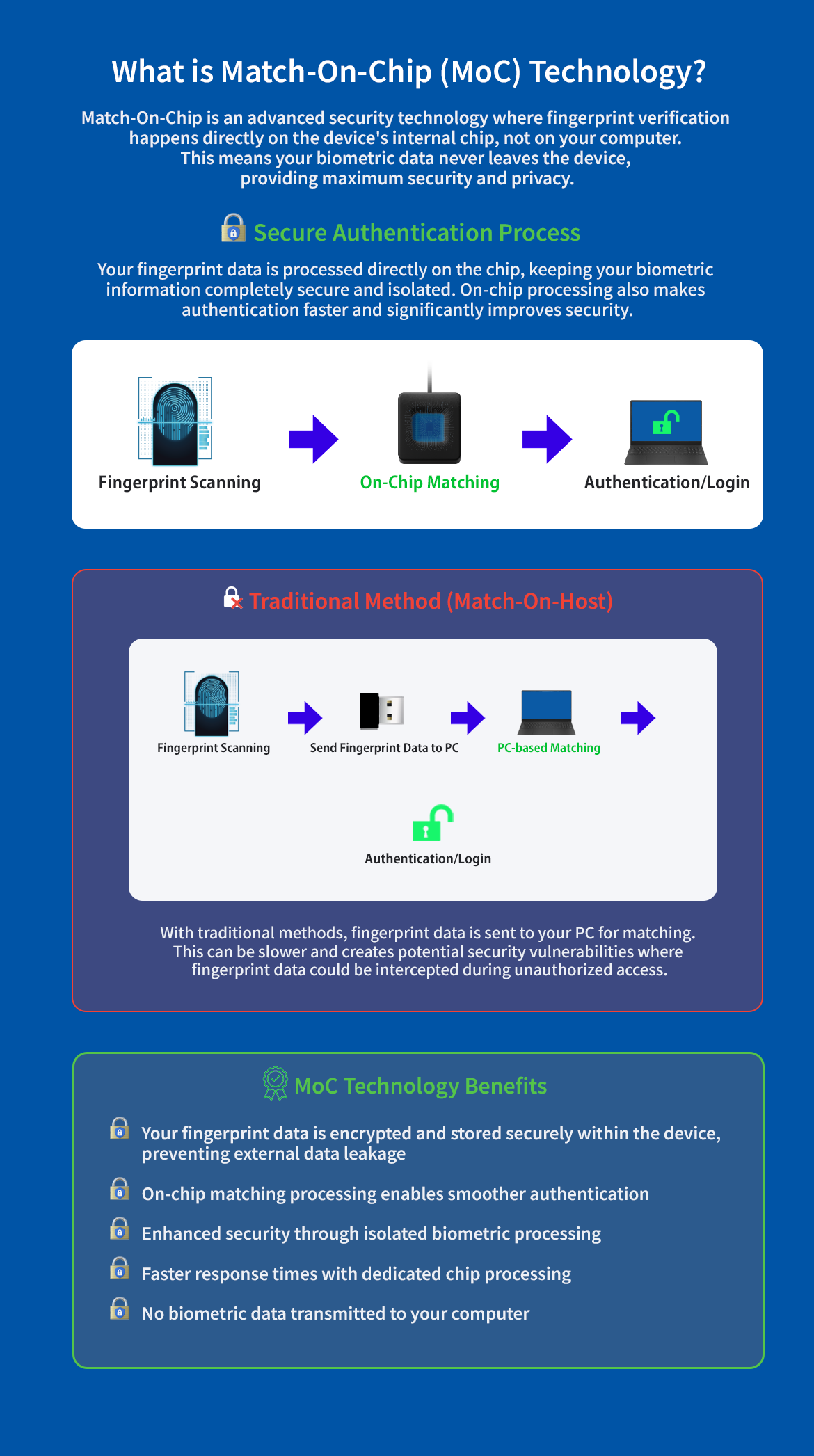
 AUTHENTICATION METHOD AUTHENTICATION METHOD | Match-on-Chip | Match-on-Chip | Match-on-Chip | Match-on-Chip | Host-based |
 WINDOWS HELLO WINDOWS HELLO | ✓ | ✓ | ✓ | ✓ | ✓ |
 FINGERPRINT TEMPLATE STORAGE (ON-DEVICE STORAGE) FINGERPRINT TEMPLATE STORAGE (ON-DEVICE STORAGE) | ✓ | ✓ | ✓ | ✓ | — |
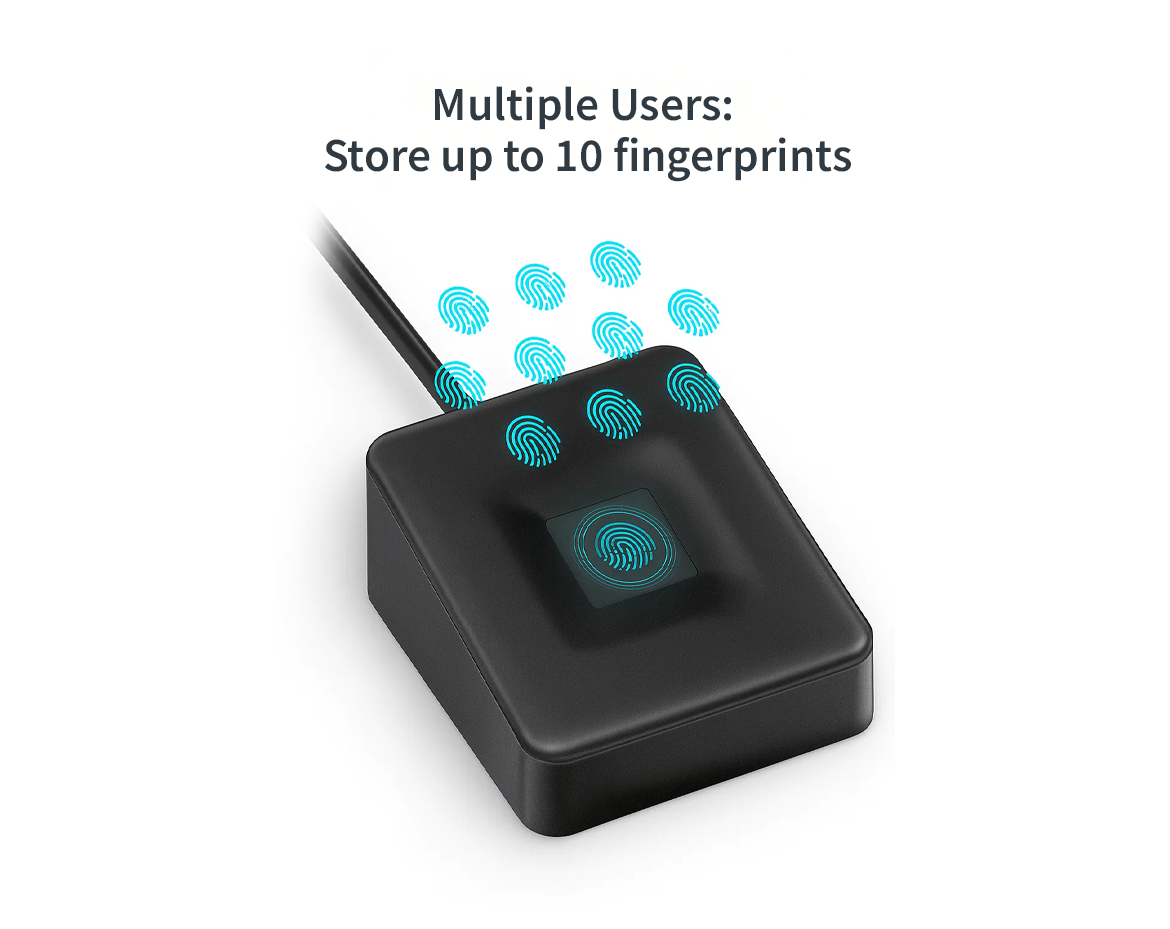
 FINGERPRINT CAPACITY FINGERPRINT CAPACITY | Up to 10 | Up to 10 | Up to 10 | Up to 10 | Up to 10 |
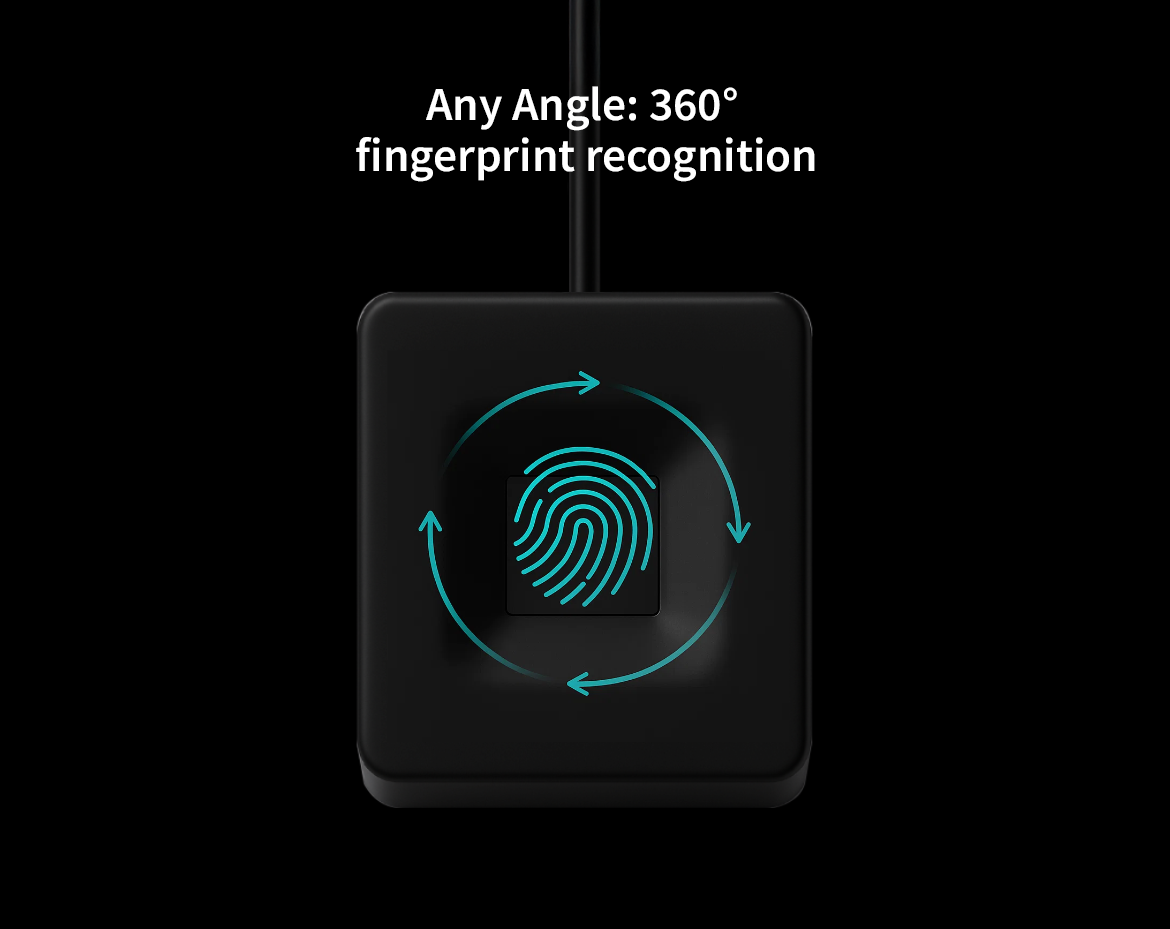
 360° RECOGNITION 360° RECOGNITION | ✓ | ✓ | ✓ | ✓ | — |
 RECOGNITION SPEED RECOGNITION SPEED | 50 ms | 50 ms | 50 ms | 23 ms | 1–2 s |
 WINDOWS HELLO ESS ENHANCED SIGN-IN SECURITY WINDOWS HELLO ESS ENHANCED SIGN-IN SECURITY | ✓ | ✓ | ✓ | ✓ | — |
 BEST FOR BEST FOR | Modern USB-C PCs | Wired desktop / fixed setups | Compact USB-A MoC security | Fast USB-A MoC sign-in | Basic Windows 11/10 sign-in |
KEY | |||||
| Model No. | TE-FPA-CA1 |
| JAN CODE | 4533239034196 |
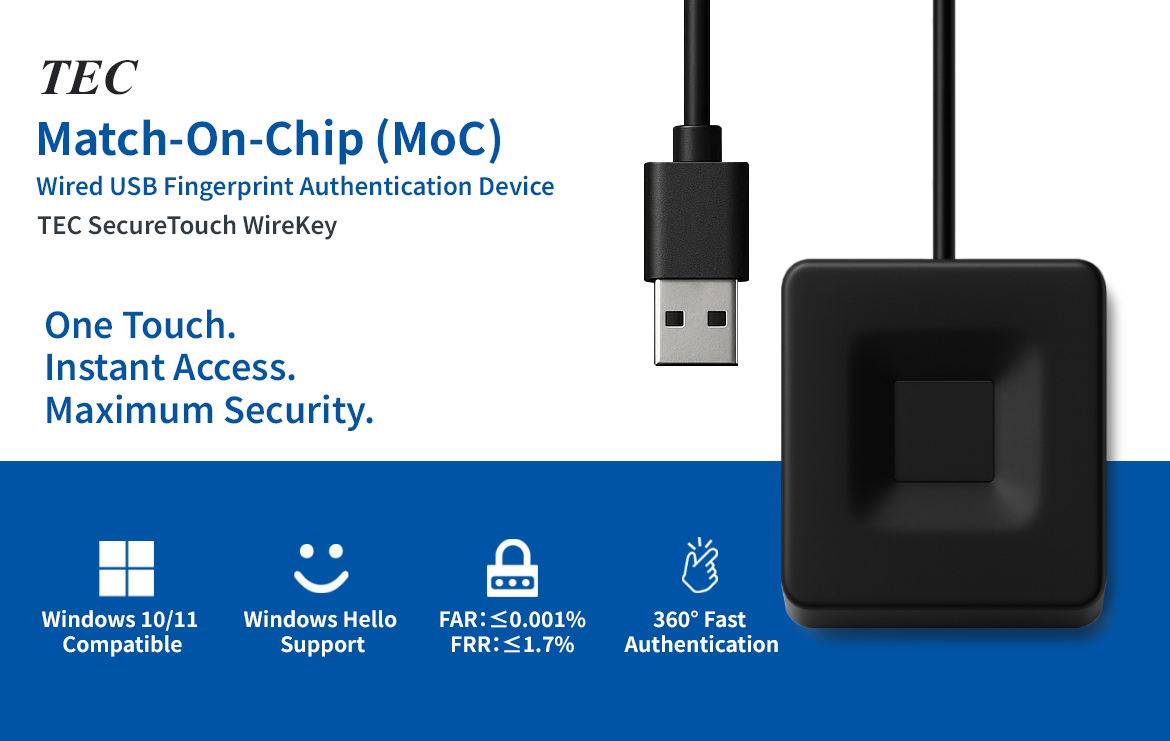
| Connection Interface | USB 2.0 / USB 3.0 |
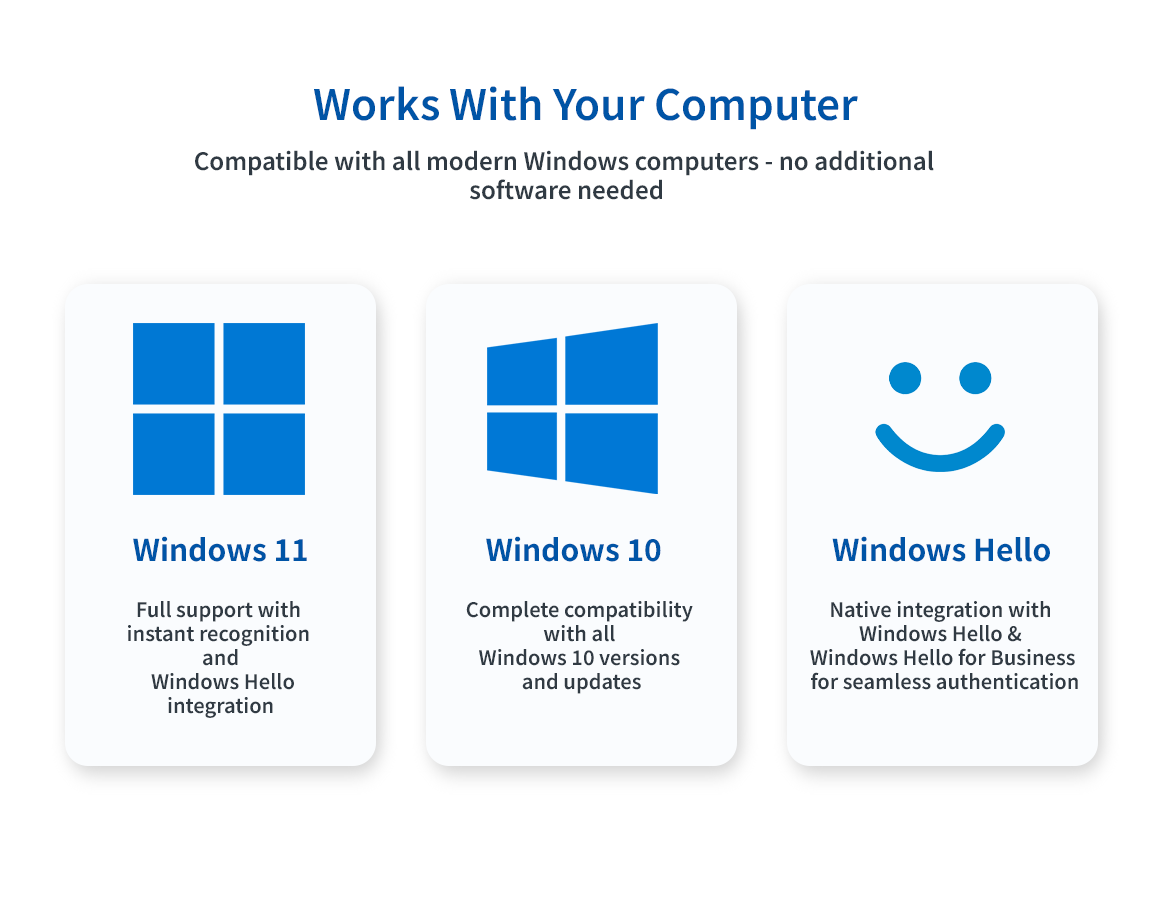
| Supported OS | Windows 10 / Windows 11 |
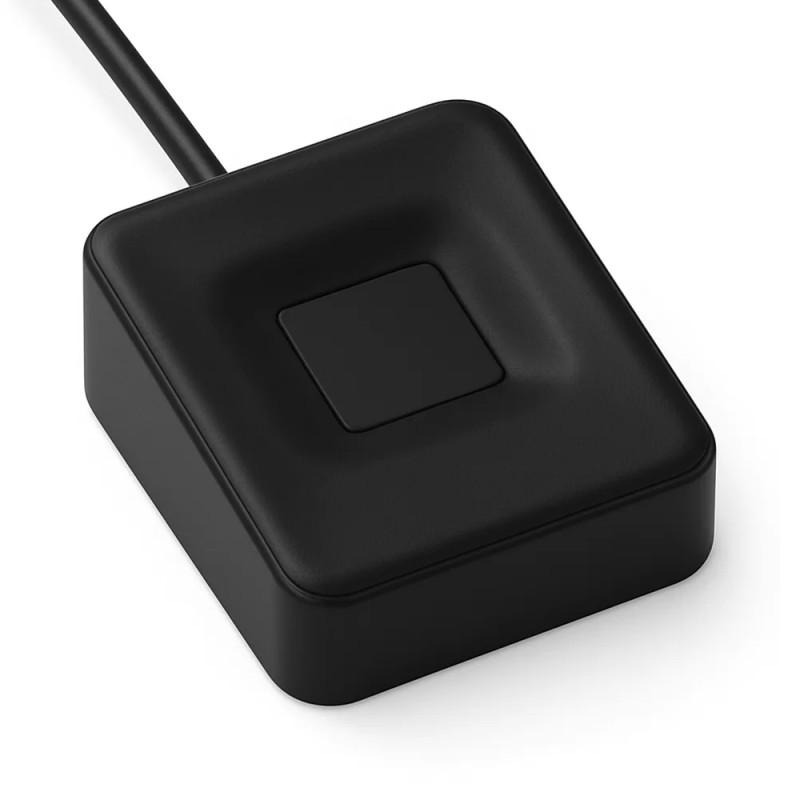
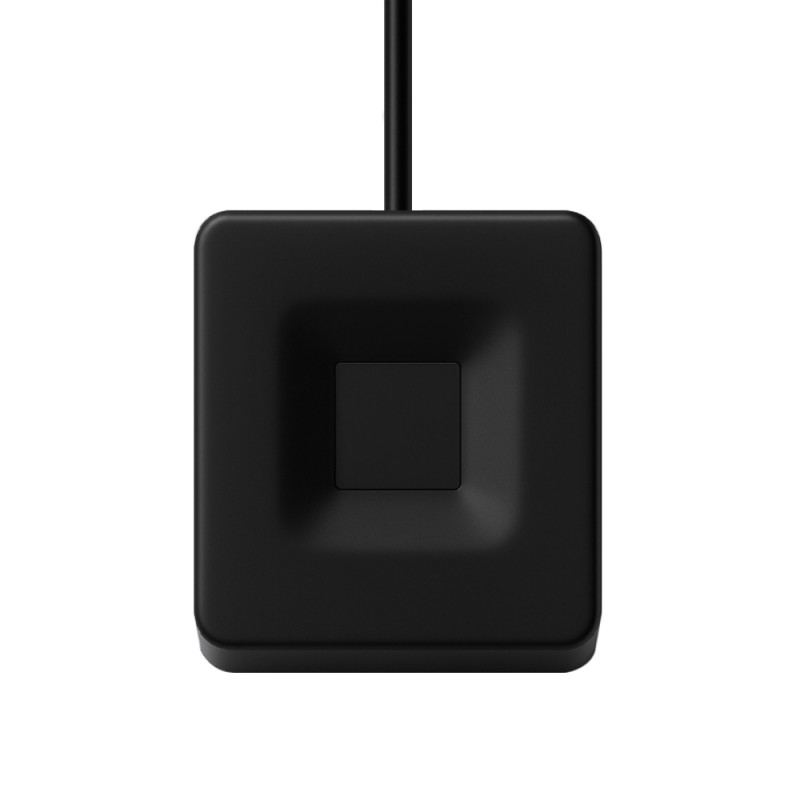
| Fingerprint Sensor | Capacitive Touch Sensor (360° Authentication Support) |
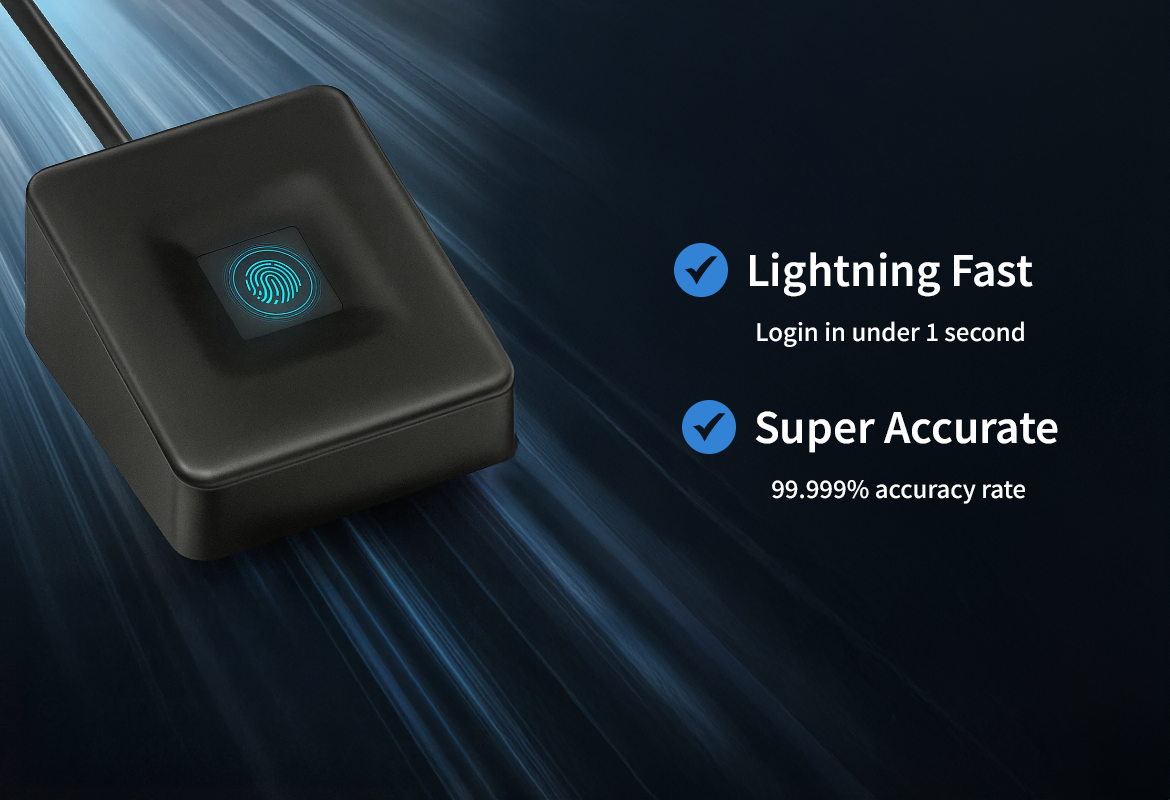
| Recognition Speed | Approx. 50 ms |
| Authentication Accuracy | False Acceptance Rate: 0.001% or less, False Rejection Rate: 1.7% or less |
| Data Storage Method | Internal MoC (Match-on-Chip) Method |
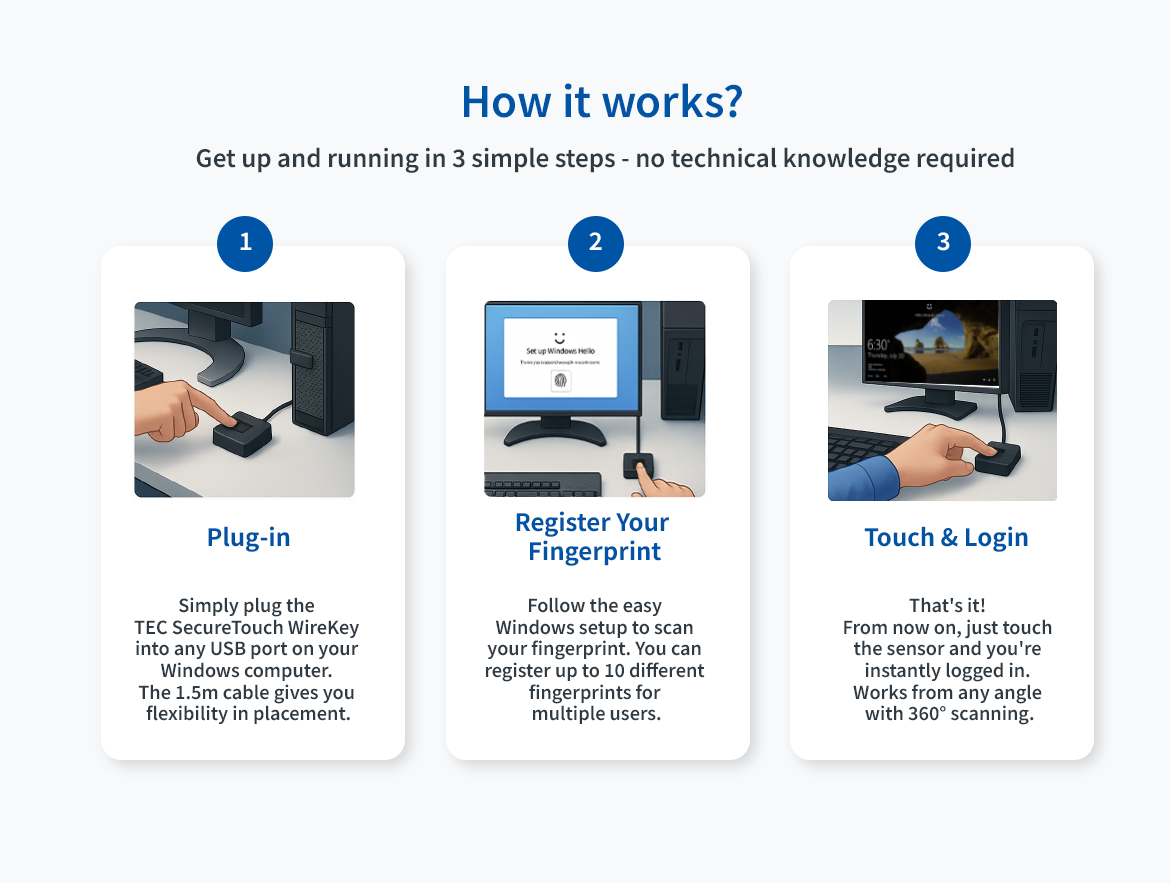
| Fingerprint Registration Capacity | 10 Templates (10 Fingerprints) |
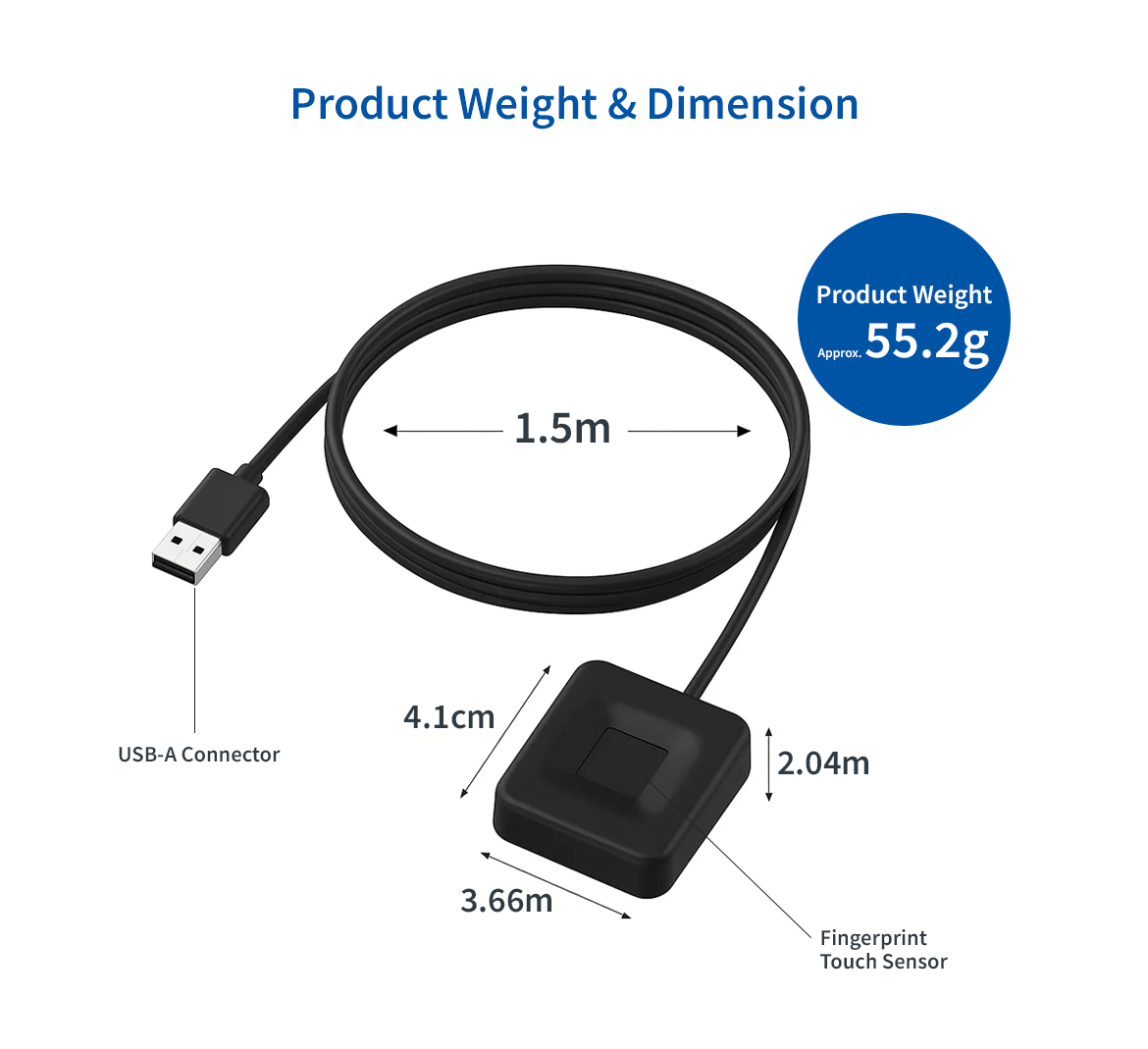
| Cable Length | 1.5m |
| Device Dimensions | Approx. 4.1 × 3.66 × 2.04 cm |
| Product Weight | Approx. 55.2 g |

* Operation is not guaranteed on all devices.
* May not be usable on PCs with built-in fingerprint authentication.
* Not all cloud services can be logged into.
* Logging into cloud services may require additional passkey setup.
* Before using this product, please confirm that your PC supports Windows Hello and that it can be configured.
* May not work if certain security software is installed on your PC.
* This product does not completely prevent unauthorized access, impersonation, or data leakage.
* The warranty covers the product itself only; we are not liable for any damages or secondary losses arising from use of this product.
* Passkey settings for cloud services can only be used on the device where they were configured.
* May not be usable on PCs with built-in fingerprint authentication.
* Not all cloud services can be logged into.
* Logging into cloud services may require additional passkey setup.
* Before using this product, please confirm that your PC supports Windows Hello and that it can be configured.
* May not work if certain security software is installed on your PC.
* This product does not completely prevent unauthorized access, impersonation, or data leakage.
* The warranty covers the product itself only; we are not liable for any damages or secondary losses arising from use of this product.
* Passkey settings for cloud services can only be used on the device where they were configured.