Match On Chip vs Match On Host: Which Fingerprint Technology is Right for You?
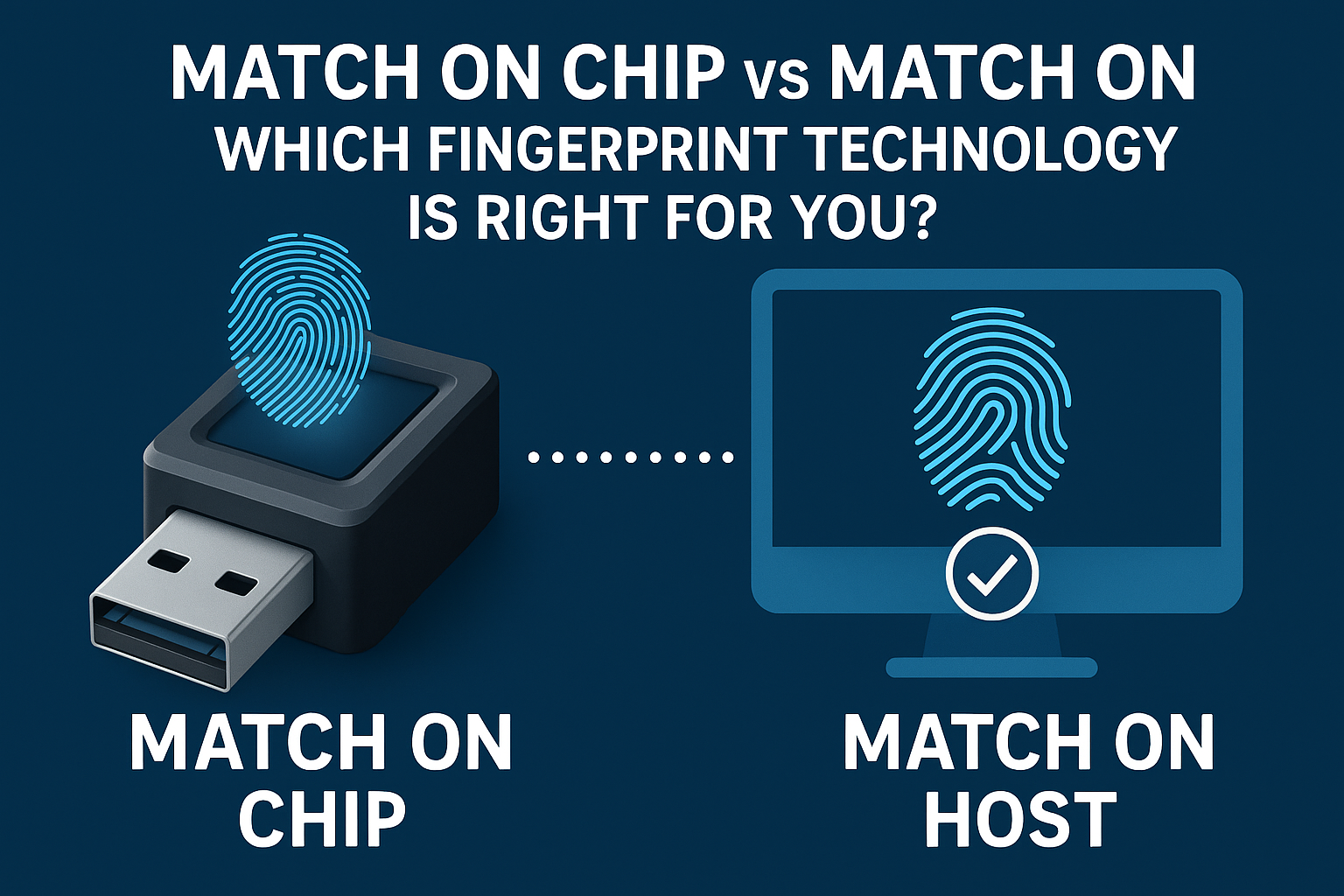
Match On Chip vs Match On Host
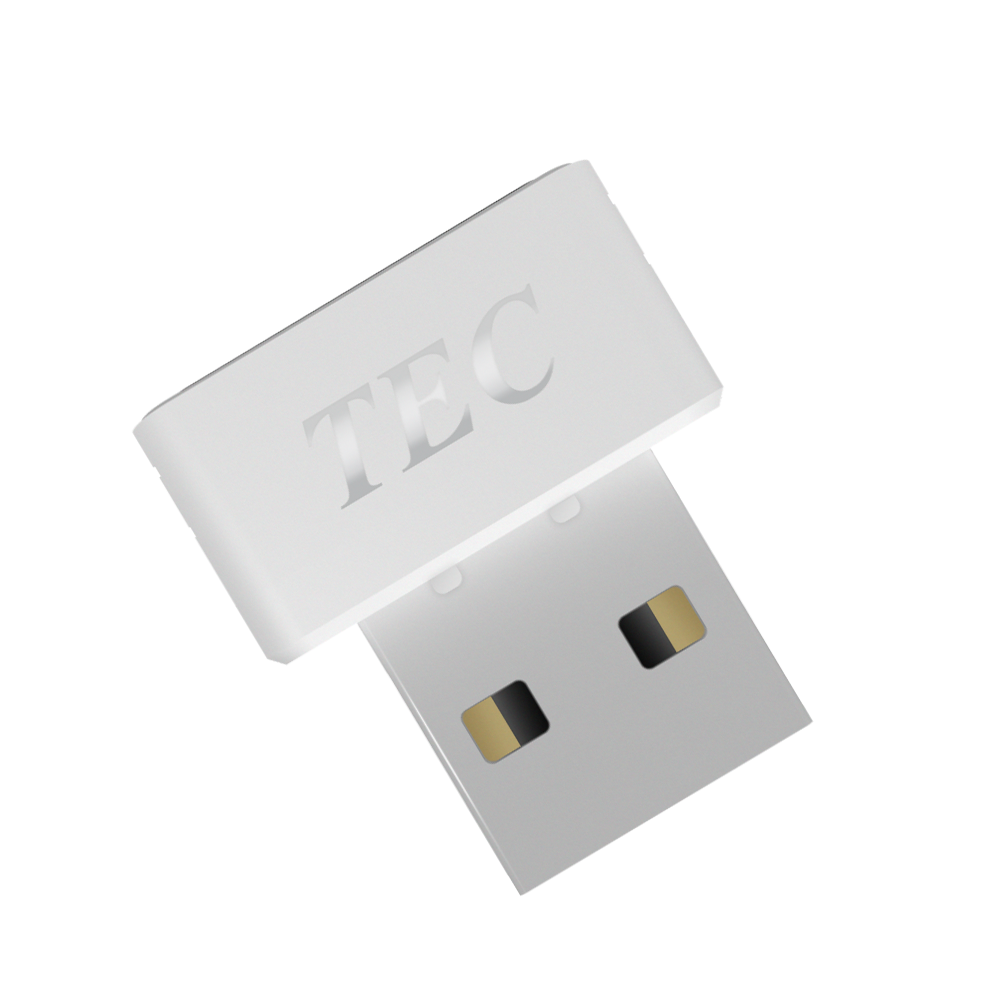
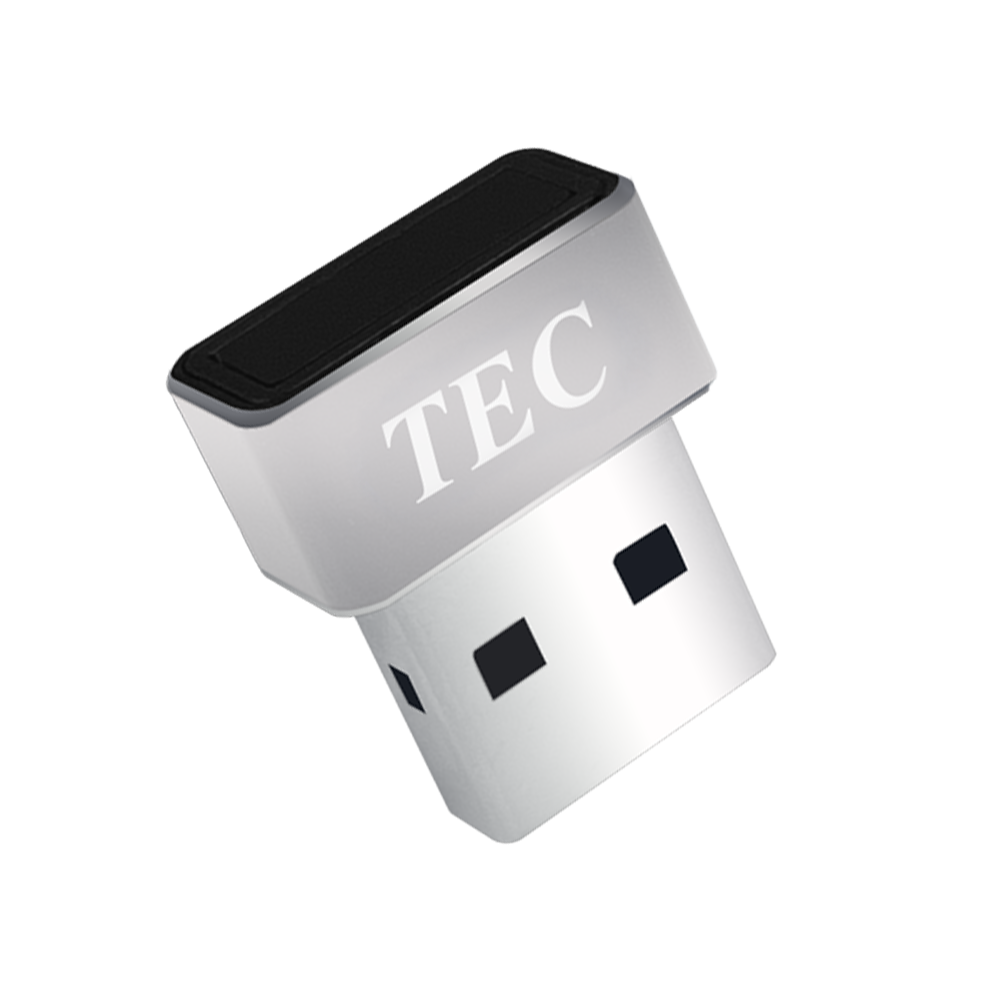
A Simple Guide to Understanding Fingerprint Reader Technologies for Windows Security
When shopping for a fingerprint reader to secure your Windows 10 or 11 computer, you'll encounter two main technologies: Match On Chip (MOC) and Match On Host (MOH). While both provide excellent security, they work differently and offer distinct advantages.
What's the Difference?
The key difference is simple: where does your fingerprint get processed?
Match On Chip (MOC): The Built-In Brain
Think of MOC like having a smart doorbell with facial recognition. Everything happens inside the device itself:
- Your fingerprint is captured by the sensor
- The sensor's built-in processor analyzes your fingerprint
- The decision is made inside the device
- Only a "yes" or "no" result is sent to your computer
Your actual fingerprint data never leaves the sensor.
Match On Host (MOH): Team Effort
MOH is like a security camera that sends footage to a monitoring center:
- The sensor captures your fingerprint
- Your computer's processor does the analysis
- The matching decision happens on your PC
- Your fingerprint data travels between the sensor and computer (encrypted)
Security Comparison
MOC Security Strengths
✅ Maximum Privacy: Your fingerprint never leaves the sensor hardware
✅ Isolated Protection: Harder for malware to access your biometric data
✅ Simple Attack Surface: Fewer ways for hackers to interfere
MOH Security Features
✅ Windows Integration: Works seamlessly with Windows Hello security
✅ Advanced Protection: Can use your computer's latest security features
✅ Regular Updates: Security improvements through software updates
Bottom Line: Both are secure when properly implemented. MOC offers hardware isolation, while MOH provides software flexibility.
Performance & Features
| Feature | Match On Chip (MOC) | Match On Host (MOH) |
|---|---|---|
| Speed | Consistent, predictable | Fast, may vary with system load |
| System Resources | Uses minimal computer power | Uses your computer's processing power |
| Features | Basic, reliable functions | Rich features and customization |
| Updates | Limited, hardware-dependent | Regular software updates available |
| Setup | Plug-and-play simple | More configuration options |
Which Should You Choose?
Choose Match On Chip (MOC) If You:
- Prioritize maximum security for sensitive work
- Want simplicity - plug in and use immediately
- Need consistent performance regardless of computer load
- Use multiple computers and want identical behavior
- Handle confidential data like financial or medical records
Choose Match On Host (MOH) If You:
- Want the latest features and Windows integration
- Prefer cost-effective solutions (typically less expensive)
- Like customization options and detailed settings
- Want future-proof technology with software updates
- Use modern Windows PCs with good processing power
Real-World Examples
Sarah - Home Office Worker: Uses MOH for rich Windows Hello integration and cost savings. Perfect for general office work and personal use.
Dr. Mike - Medical Professional: Chooses MOC for maximum security when accessing patient records. The hardware isolation provides extra peace of mind.
Lisa - IT Manager: Deploys MOC across the company for consistent behavior on various computers and simplified management.
Tom - Tech Enthusiast: Prefers MOH for cutting-edge features and the ability to upgrade capabilities through software updates.
Cost Considerations
MOC Devices:
- Higher upfront cost due to built-in processor
- Lower long-term maintenance
- Consistent performance across different PCs
MOH Devices:
- Lower initial hardware cost
- May require software updates and maintenance
- Performance depends on your computer's capabilities
Our Recommendation
Both technologies provide excellent security improvements over passwords. The best choice depends on your specific needs:
- For maximum security and simplicity: Choose MOC
- For features and cost efficiency: Choose MOH
- Can't decide?: Either technology will significantly improve your Windows security
Key Takeaways
- Both are secure - significantly better than passwords alone
- MOC = Hardware isolation and consistent performance
- MOH = Software flexibility and rich features
- Your choice depends on priorities: security vs. features vs. cost
- Either option will enhance your Windows login security
The Bottom Line
Whether you choose Match On Chip or Match On Host, you're making a smart investment in your digital security. Both technologies offer substantial improvements over traditional passwords, providing convenience and protection for your Windows experience.
The "right" choice is the one that matches your security needs, budget, and how you use your computer. Consider your priorities, and choose the technology that you'll trust and use consistently.
Remember: The best security technology is the one you actually use every day.
Tags
Share this article
Article Information
- Published
- July 24, 2025
- Category
- Buying Guides
- Article Type
- comparison
- Reading Time
- 4 minutes
- Author
- Joe Dacillo